Suggestions log what they say
November 23, 2026 · iOS and Android 2.0.65
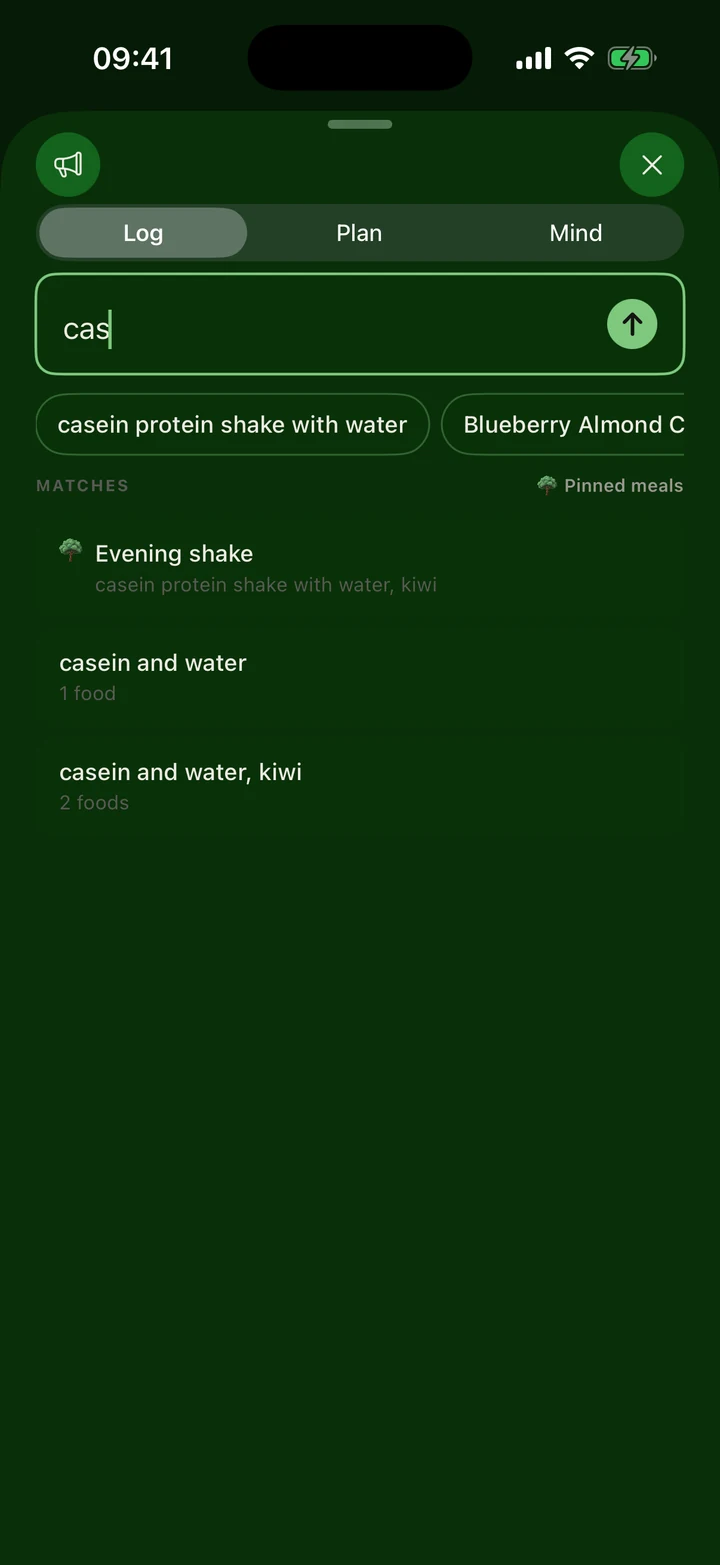
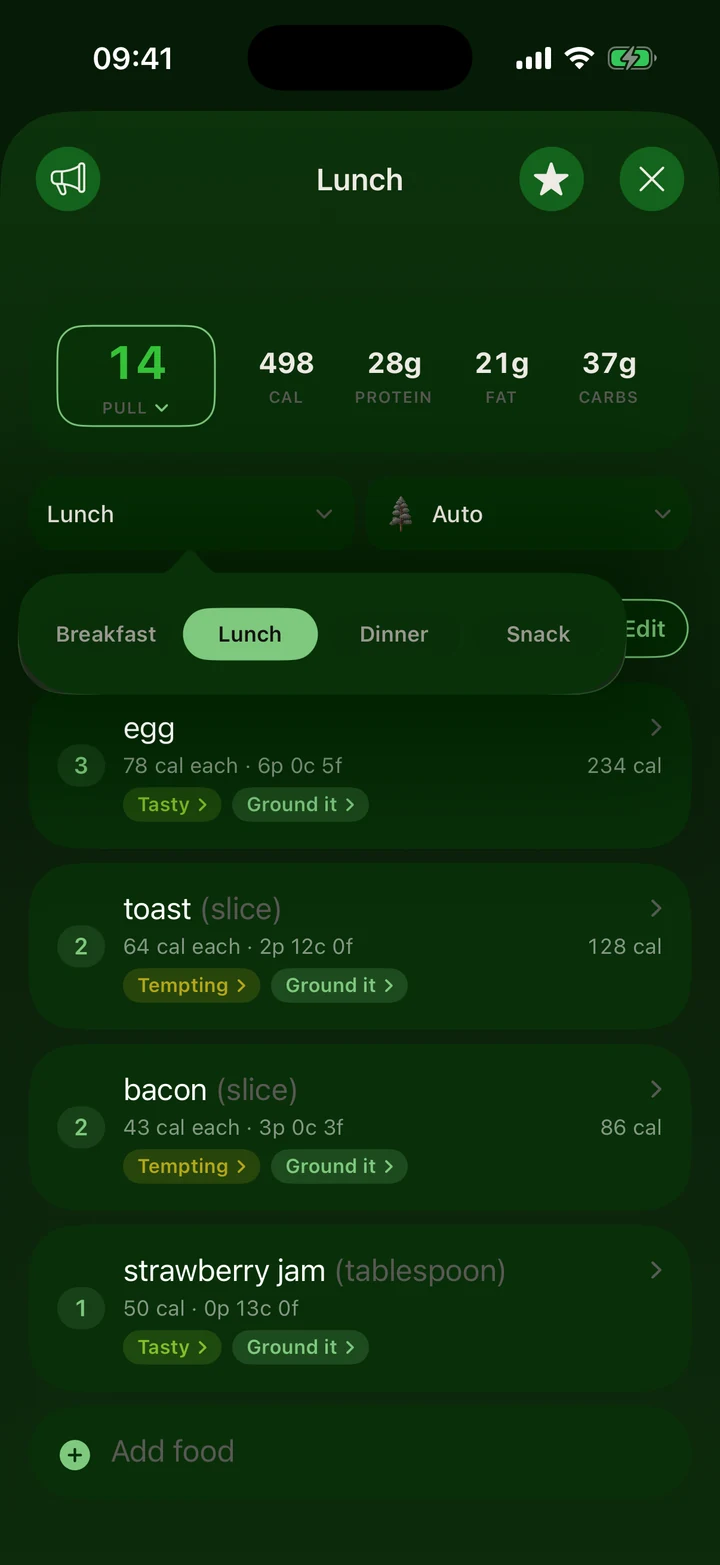
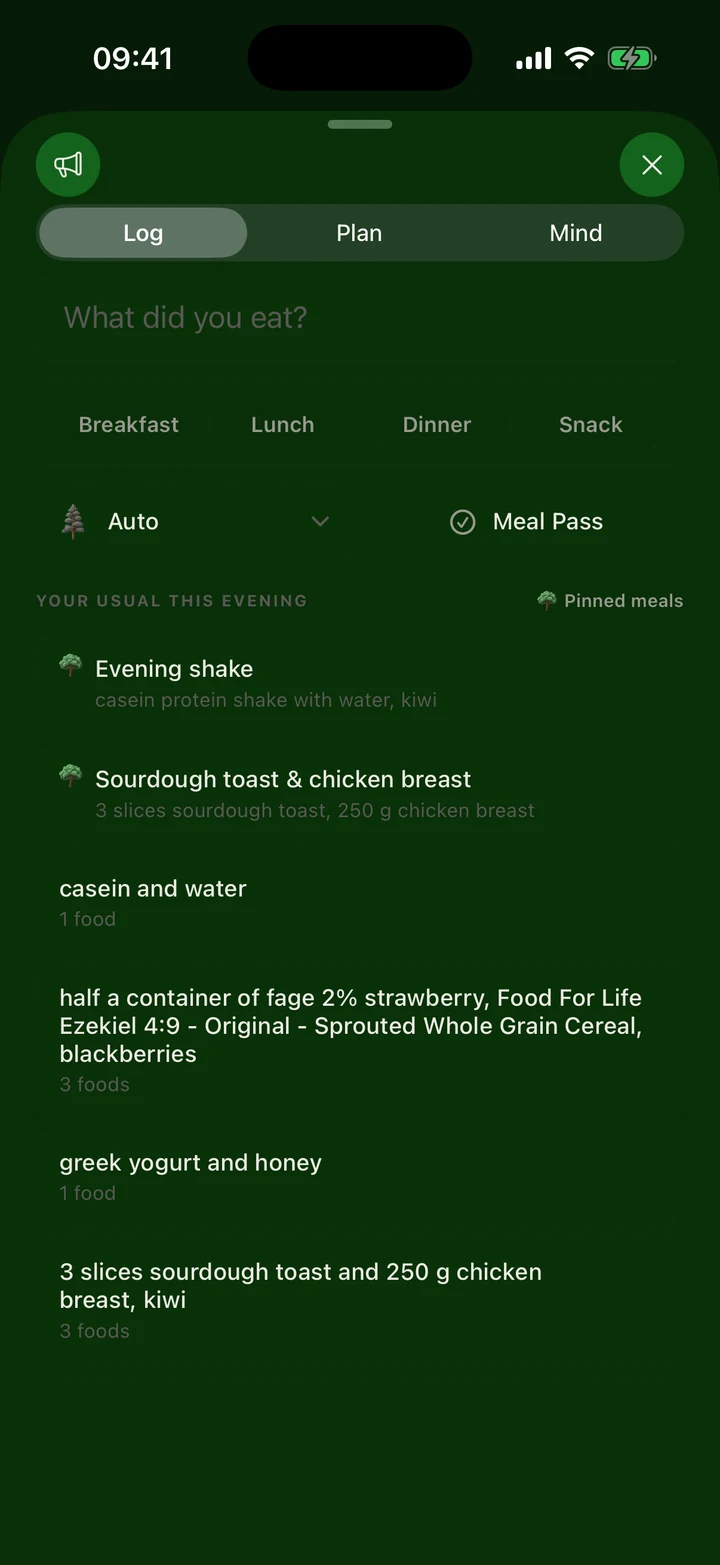
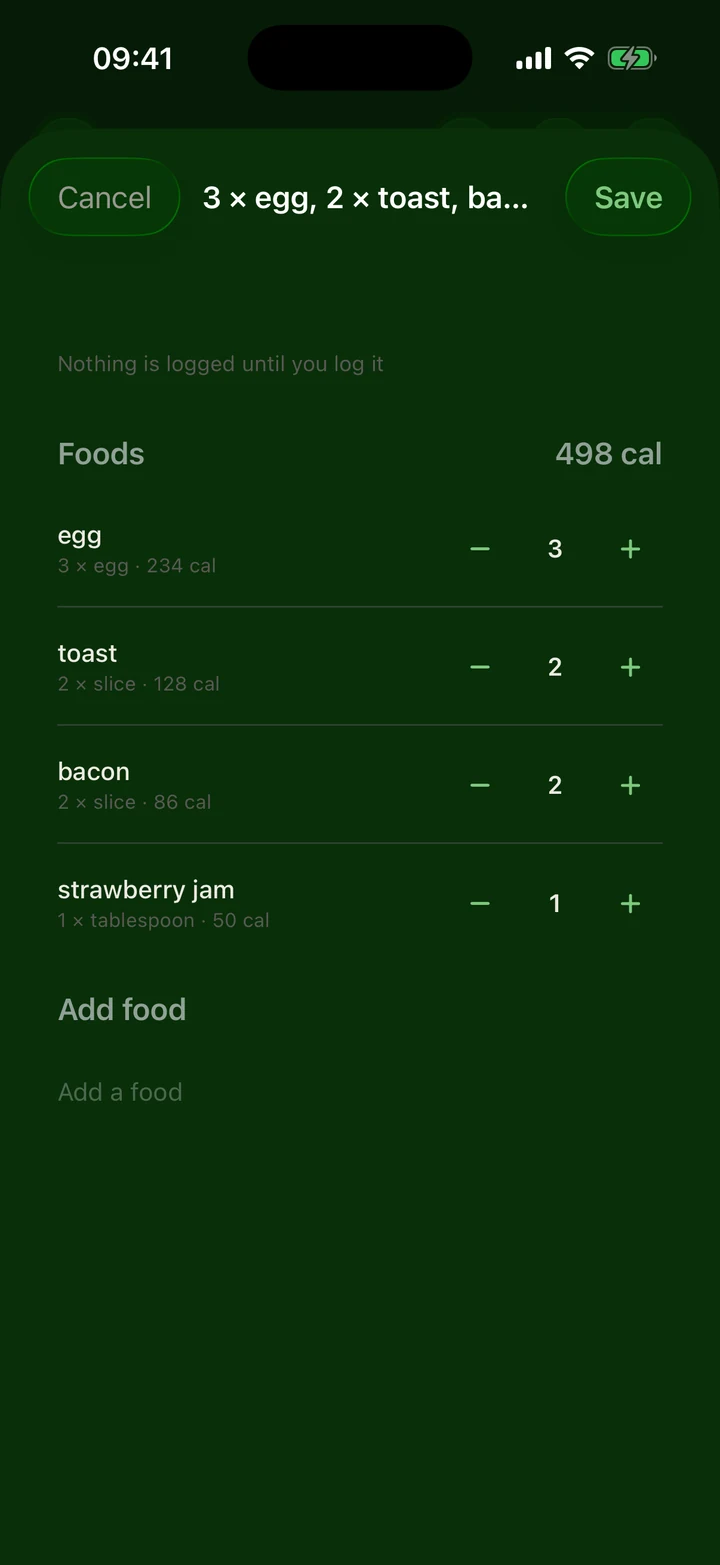
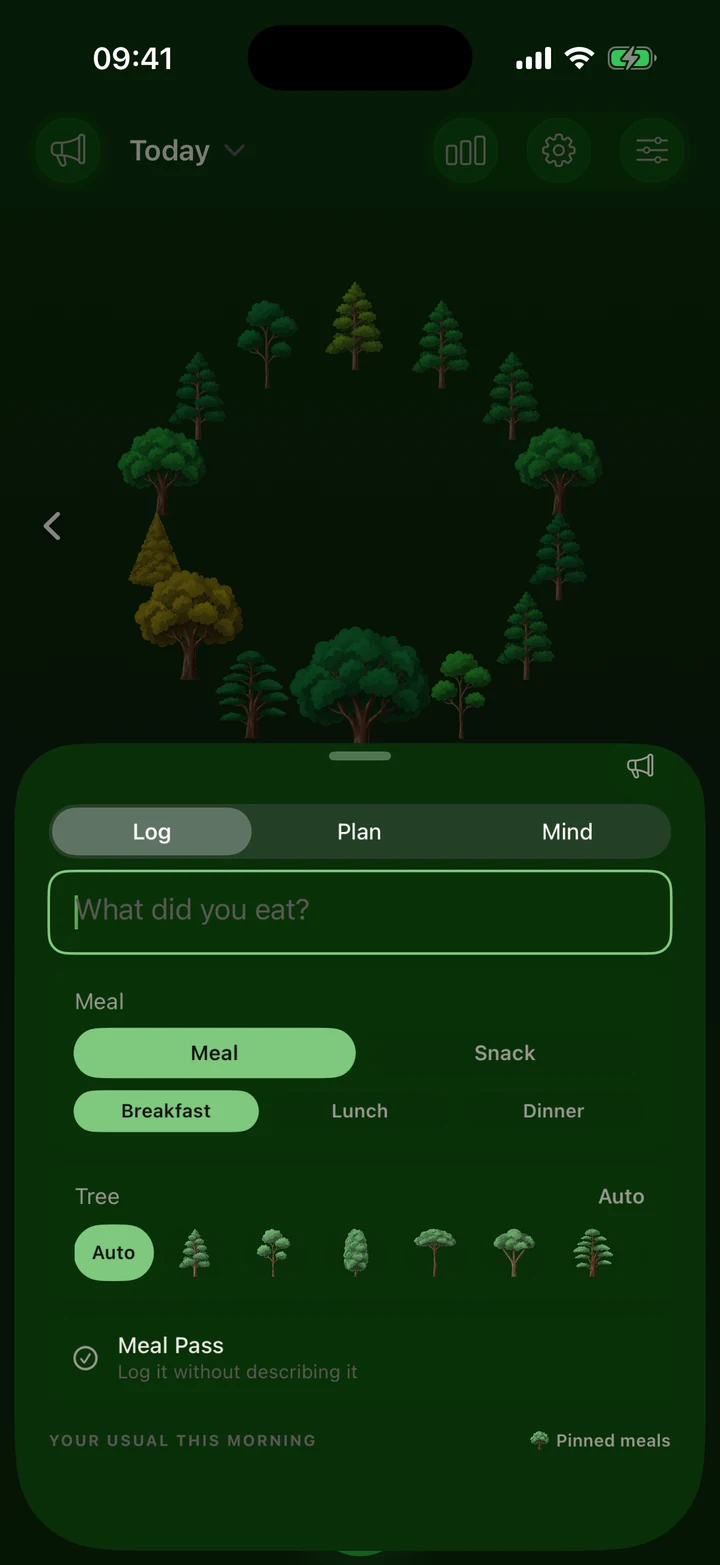
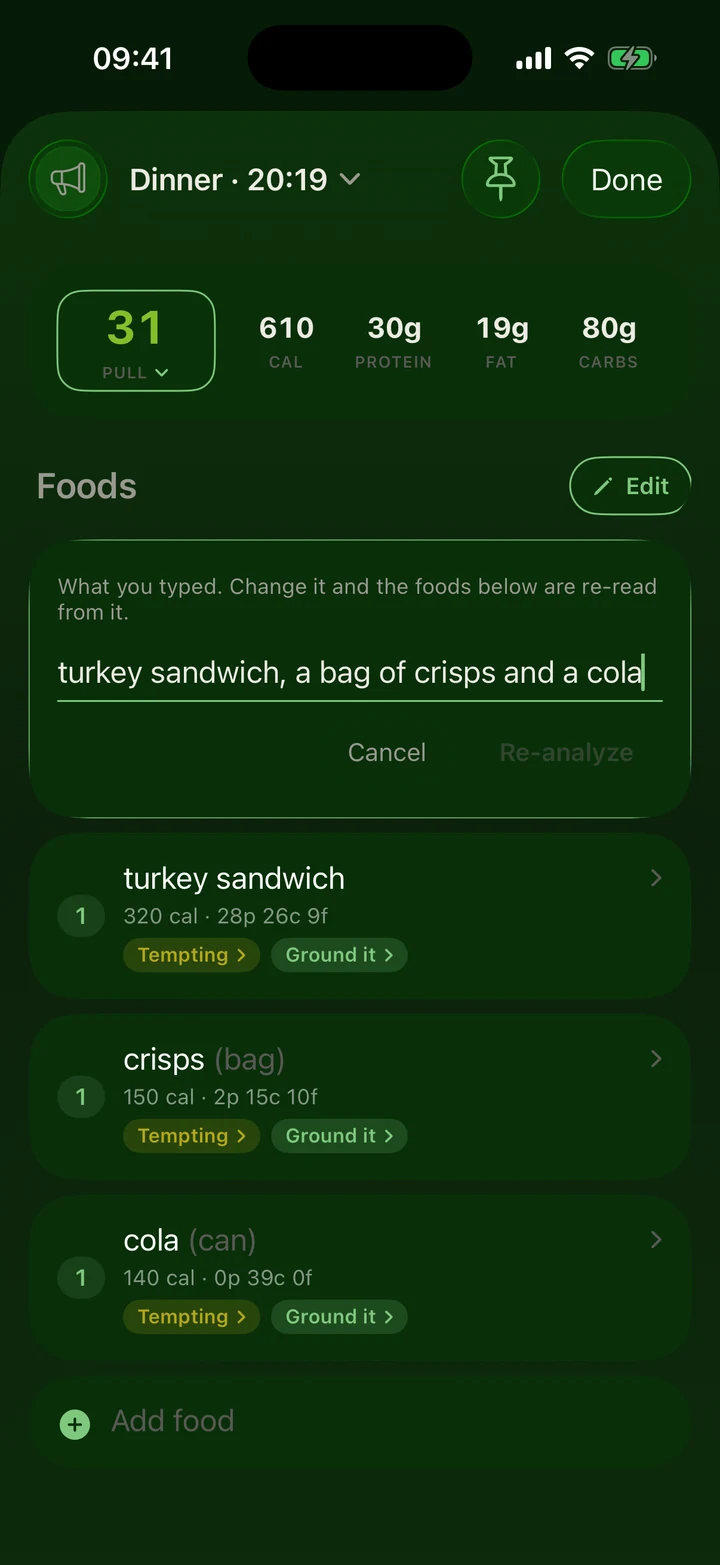
- A suggestion logs exactly what it says. Each suggestion on the log sheet is a meal you logged before, shown as the sentence you typed. Until now, if you changed that meal afterward, the sentence stayed the same. Add a kiwi to “casein and water” and the suggestion still read “casein and water”, but a tap logged the kiwi too. Now the sentence follows the meal.
- Add a food and the sentence gains it. “casein and water” becomes “casein and water, kiwi”. The next time you start typing, the two meals are two suggestions, and each logs what it says.
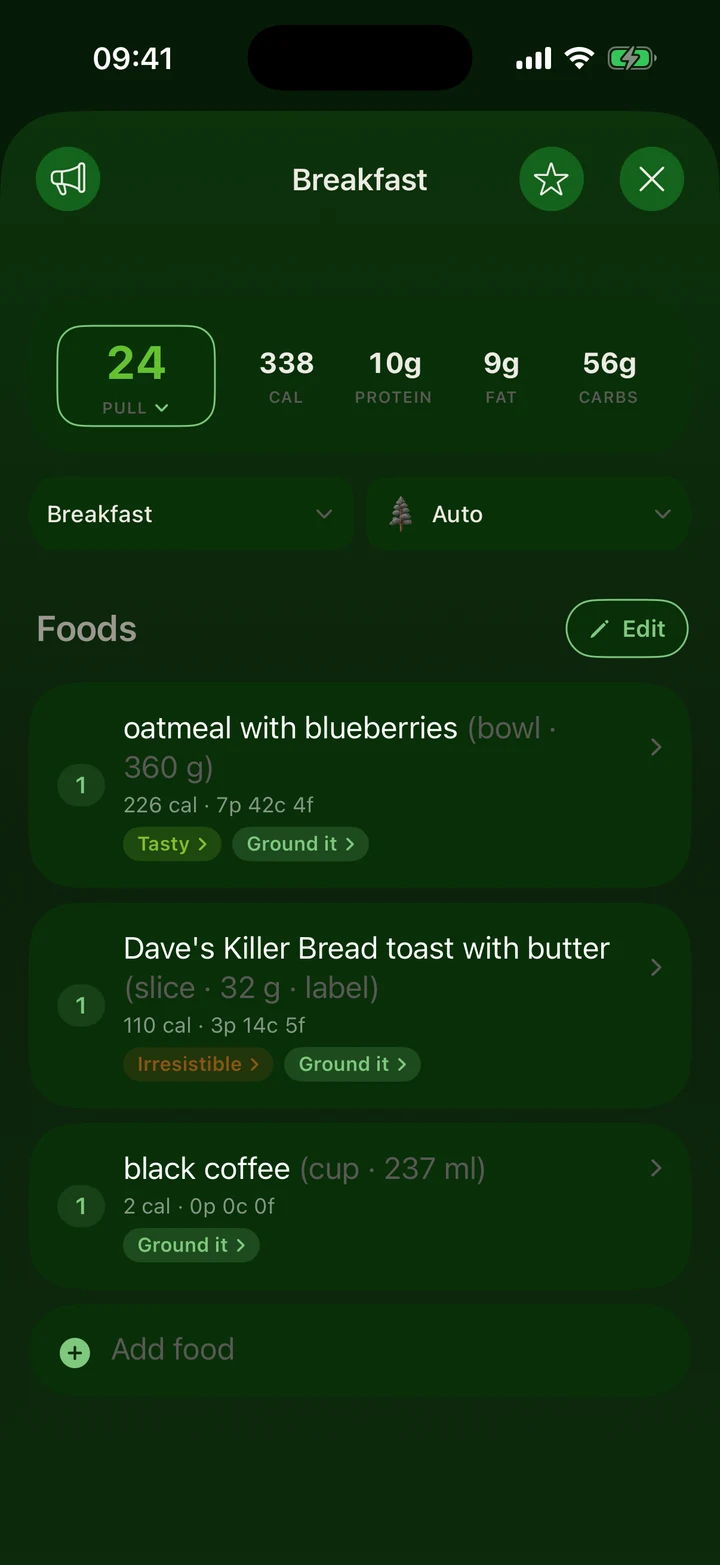
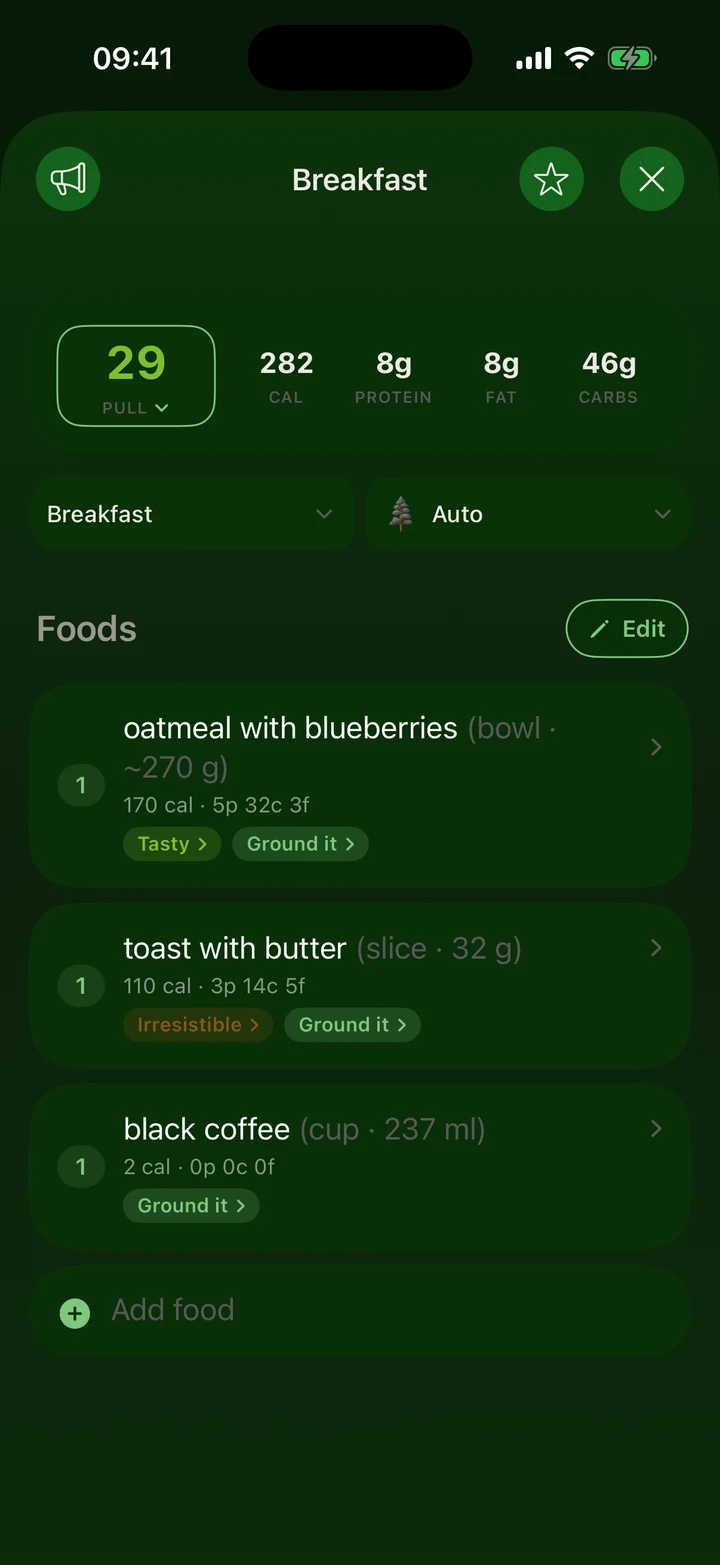
- Remove a food or change an amount and the sentence changes too.
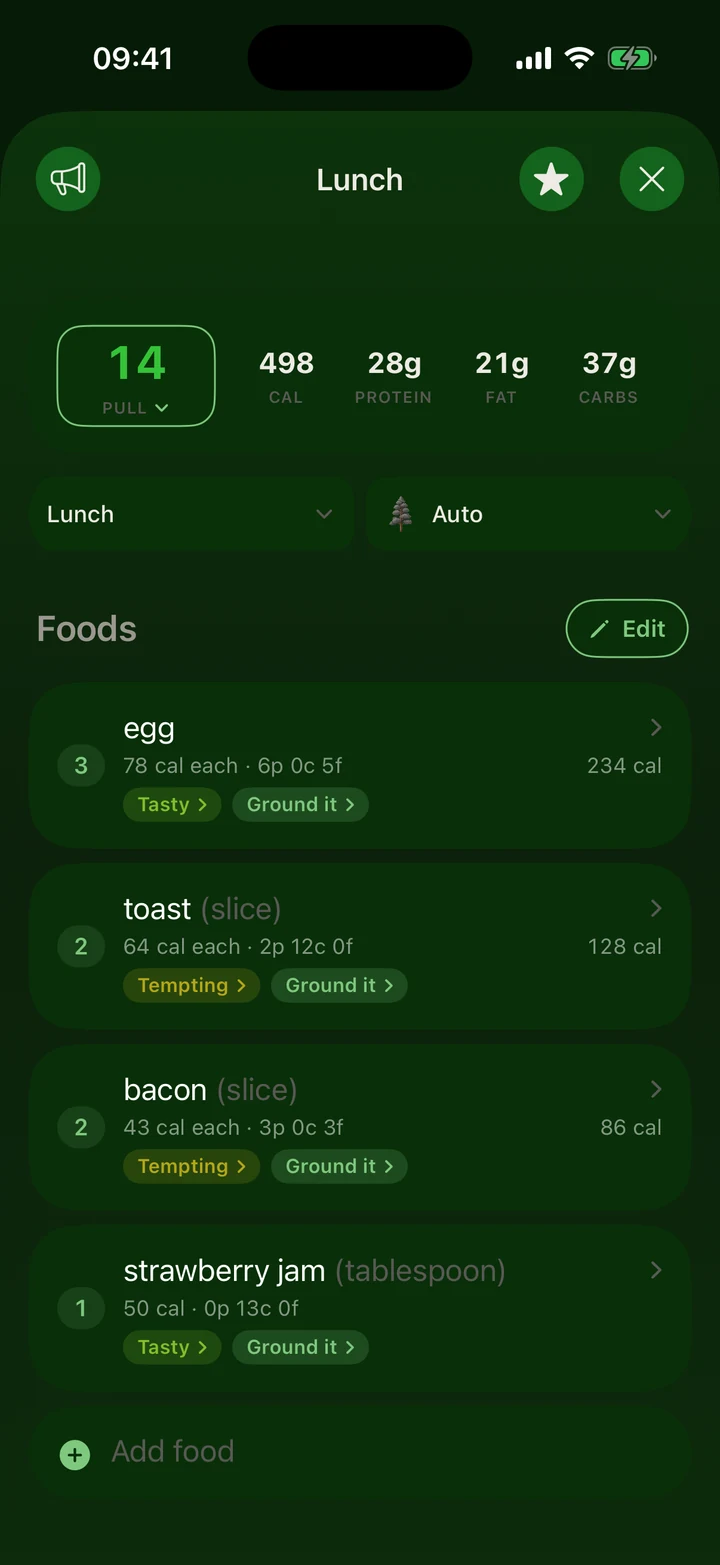
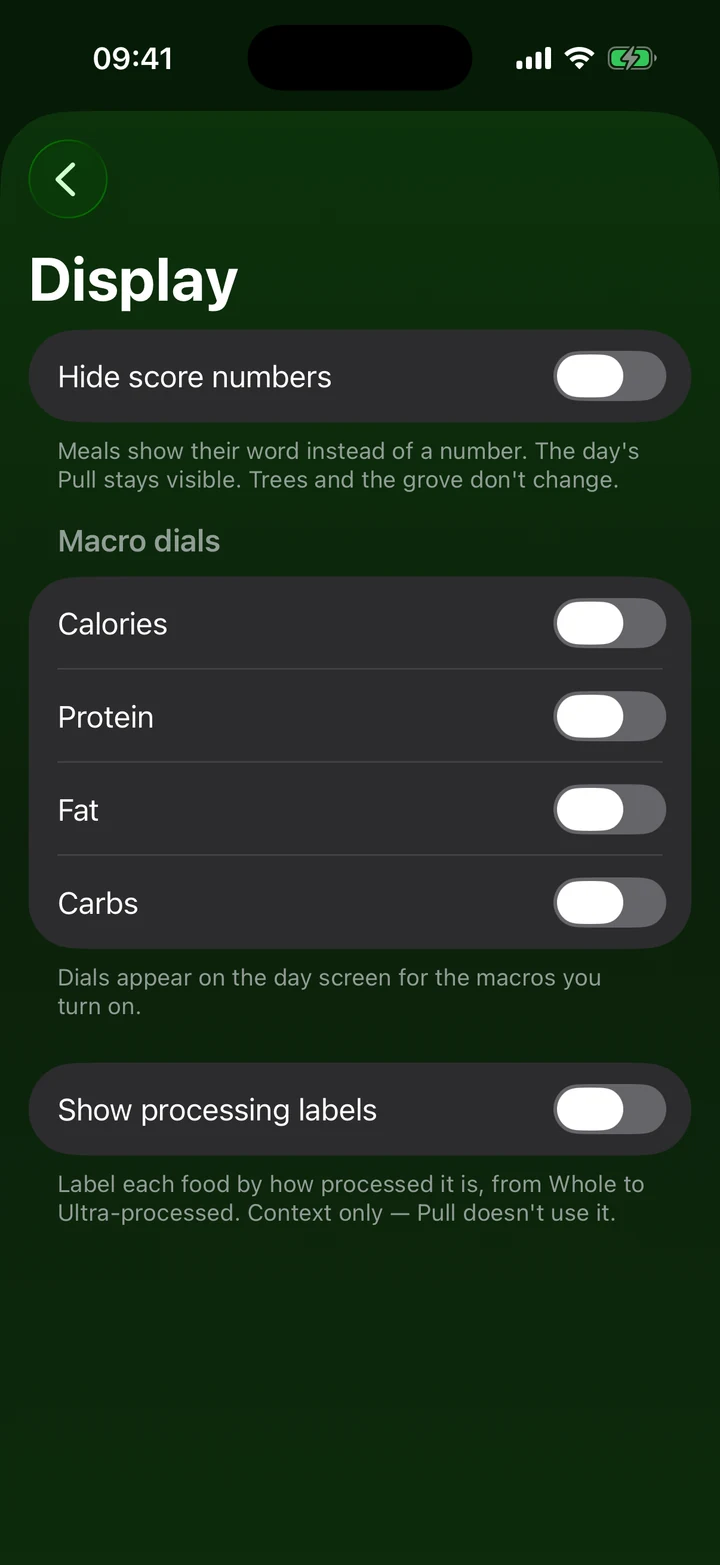
Take the kiwi off and it reads “casein and water” again. Change two slices of toast to three and the sentence says three. - Long suggestions show in full. Each suggestion is a full row with the whole sentence, never cut off, and a small line under it saying how many foods it holds. If you have calories or macros turned on under Settings → Display, they show on that line too. If you don’t, no numbers appear.
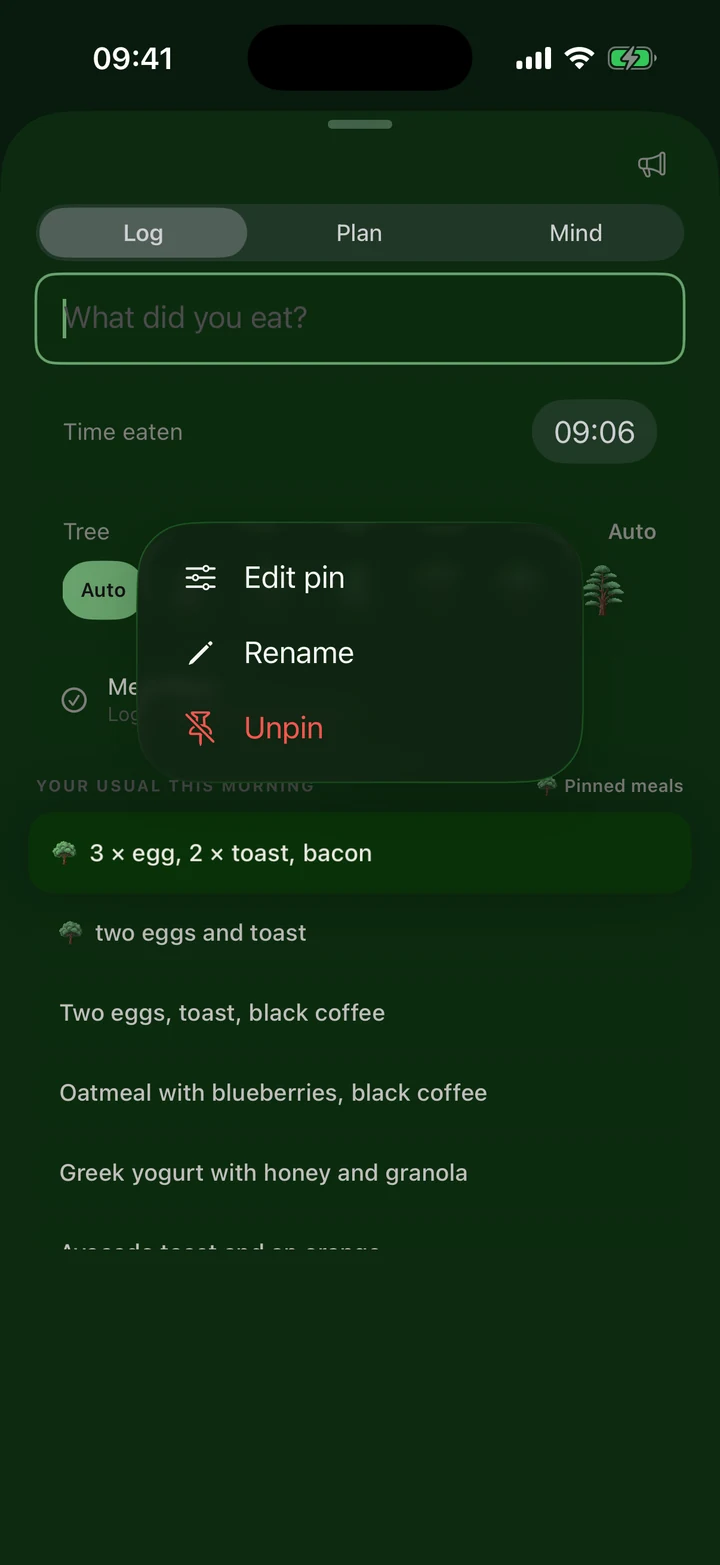
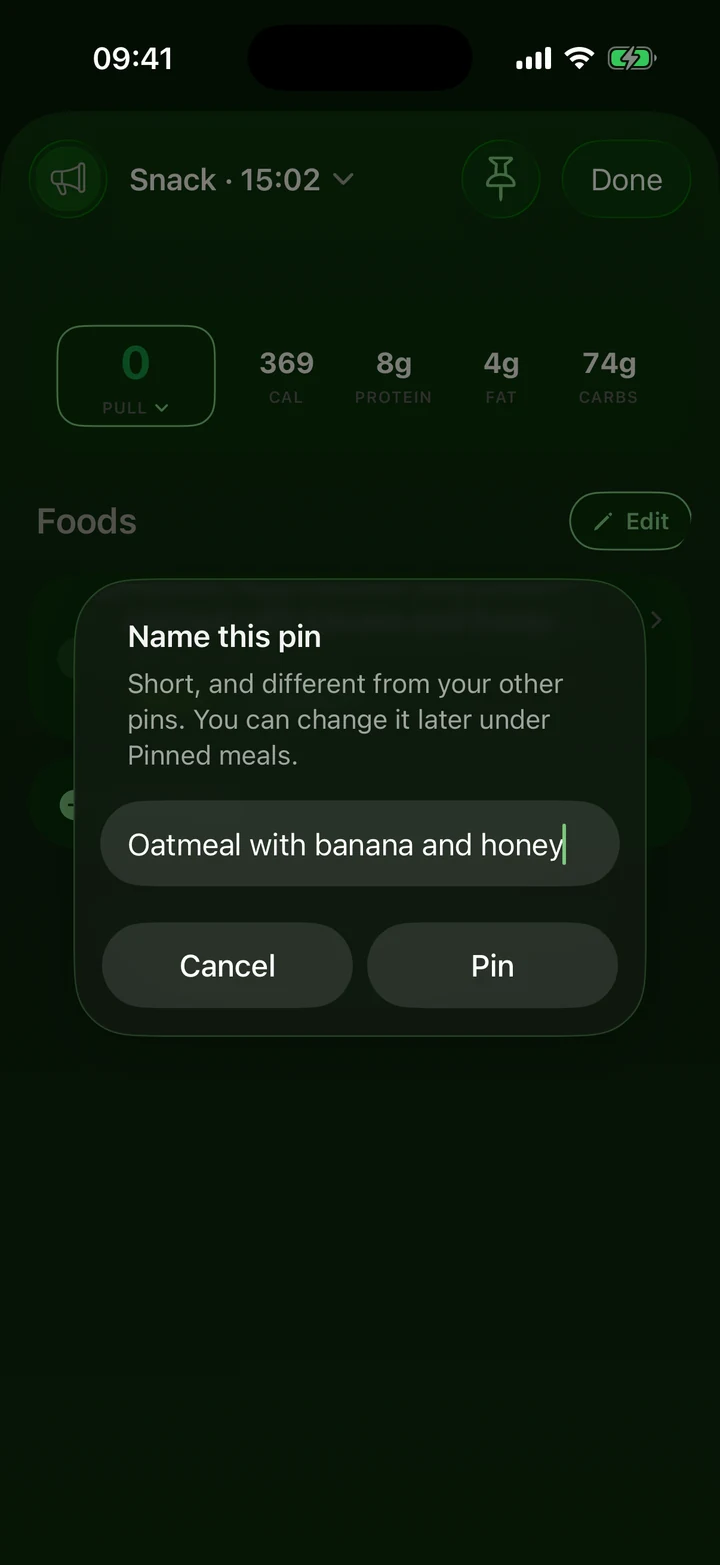
- A pinned meal lists its foods. Under a pin’s name, its row says what a tap will log.
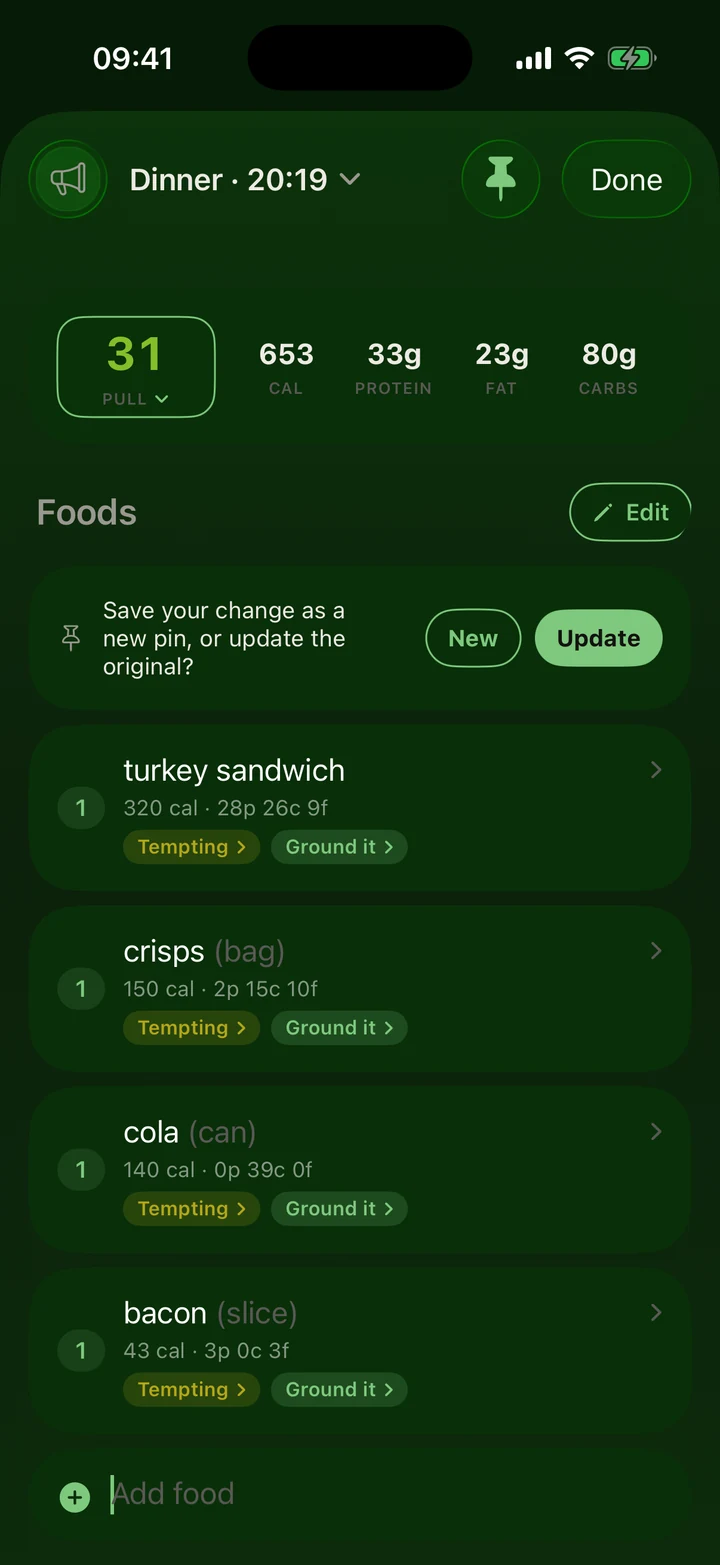
- A pinned meal you change is still that pin’s meal. Add a food to it and the star stays on, with the same offer as before: update the pin, or save the change as a new one.